

How Do I Shop Curated Looks on StyleBuddy?

- Style Tips
- AI Styling
How Do I Shop Curated Looks on StyleBuddy?
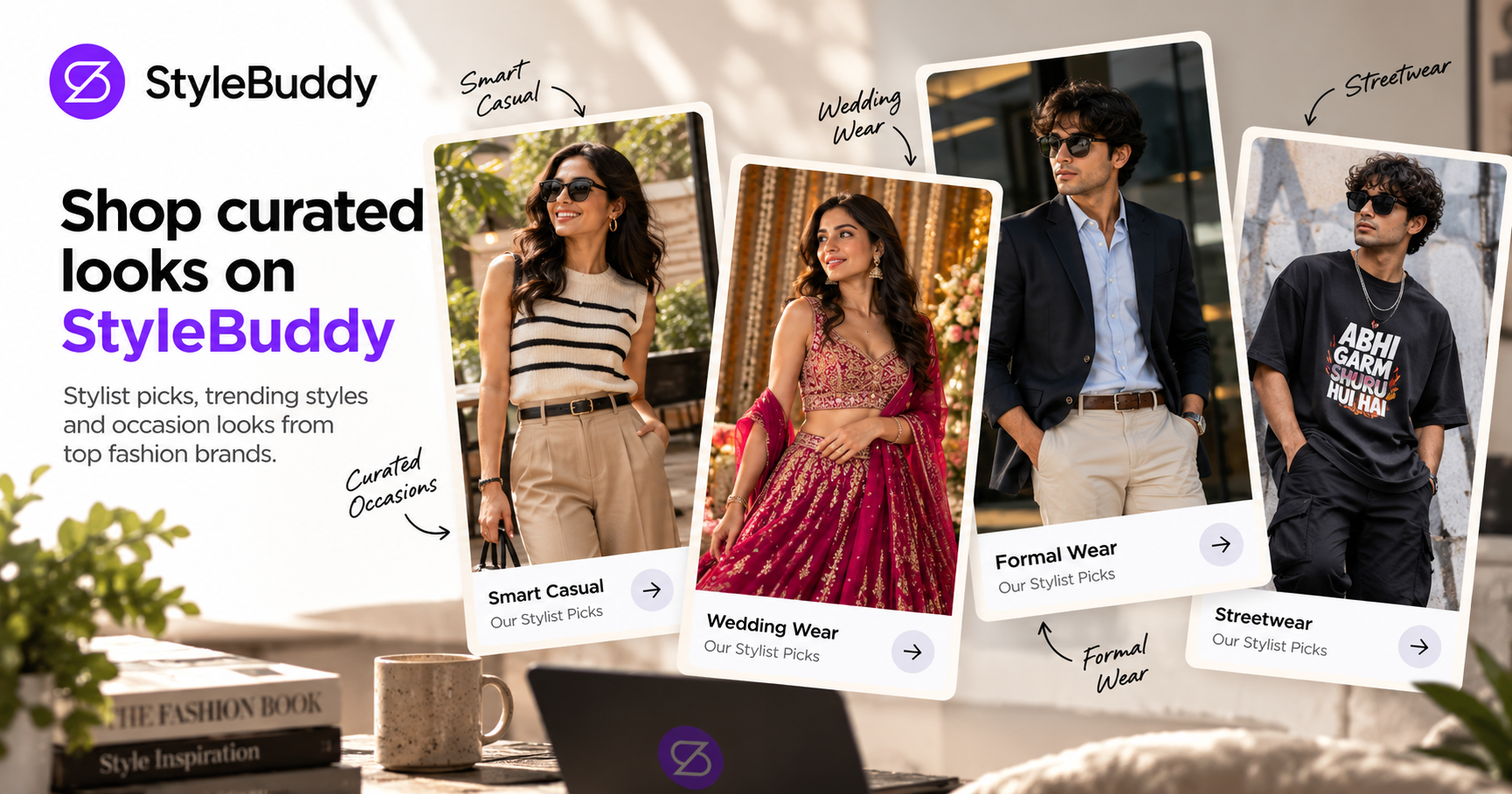
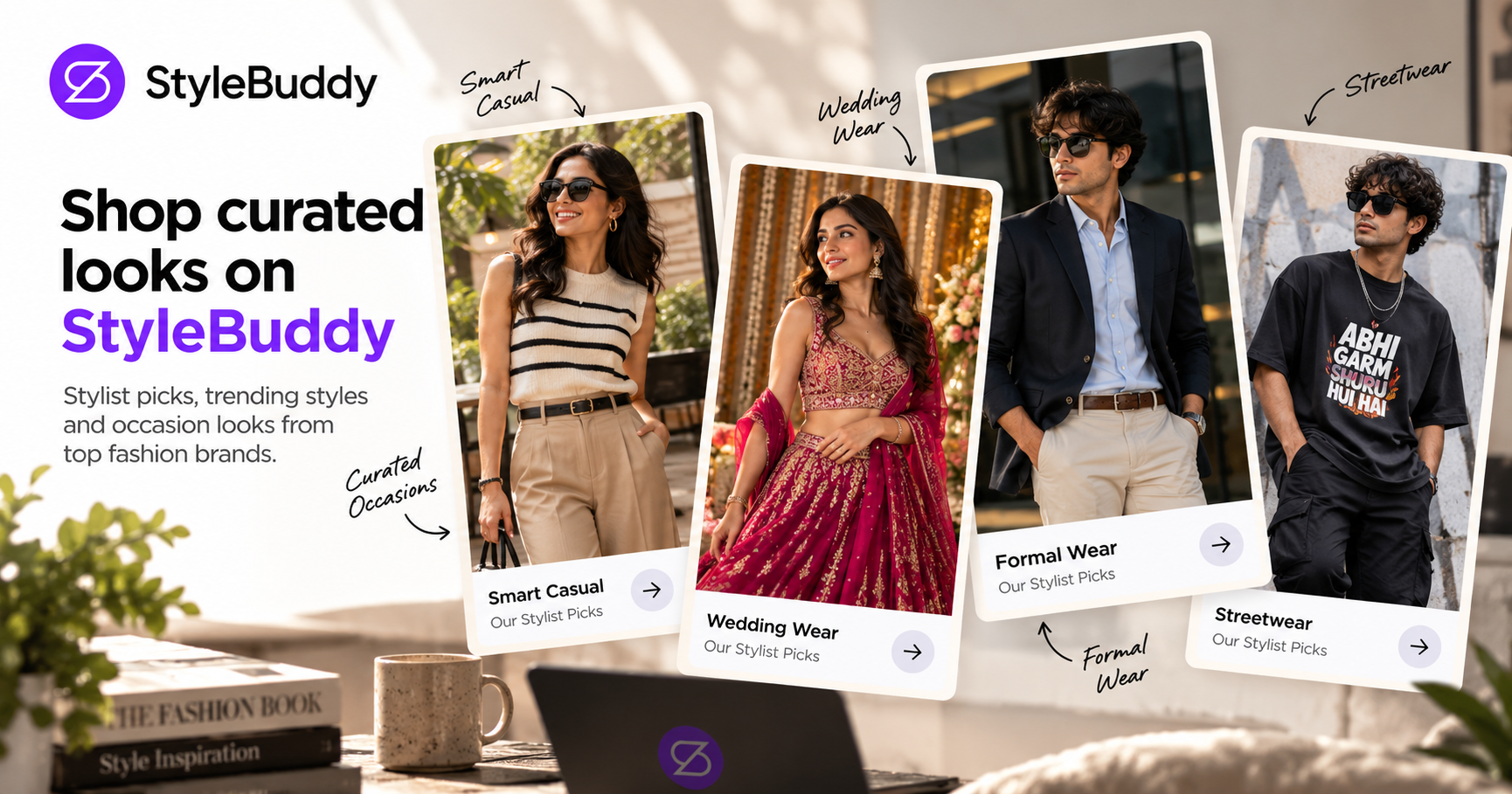
Quick answer: To shop curated looks on StyleBuddy, open the Explore page and browse Our Stylist Picks, Shop by Style, Curated Occasions such as Smart Casual or Streetwear, and trending patterns. Tap a piece you like to open it on the brand's site, or ask Maya, the StyleBuddy AI stylist, what completes the look.
Sometimes you don't need a search bar. You need ideas. You know you want to look sharp for a weekend brunch, or try streetwear for the first time, but you don't know where to start.
That's what StyleBuddy's Explore page is for. It brings together picks from StyleBuddy's stylists and pieces grouped by occasion and pattern, from many fashion brands. Here is how to browse it, and how to turn one piece you like into a full outfit.
What Can I Find on StyleBuddy's Explore Page?
Open Explore at stylebuddy.in/explore (it is also under More in the StyleBuddy menu). It has four sections for finding looks.
Our Stylist Picks
Under "Shop curated looks from trusted brands", the Our Stylist Picks row shows pieces chosen by StyleBuddy's stylists. Use Prev and Next to page through them. This is the quickest place to start if you just want to see what's good right now.
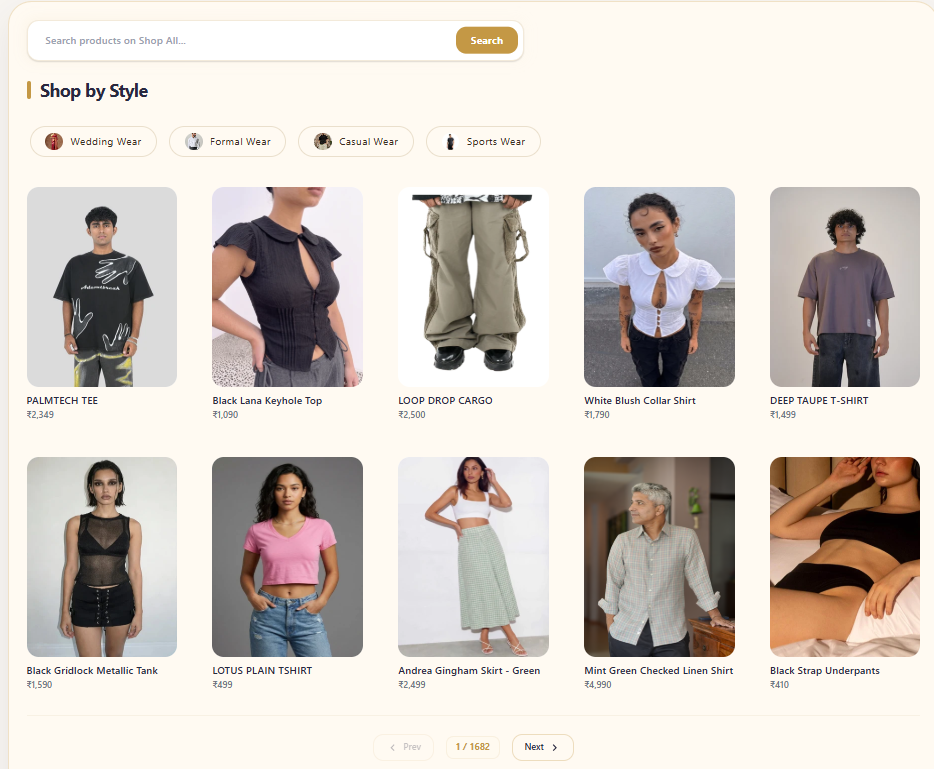
Shop by Style
Four buttons take you straight to a style: Wedding Wear, Formal Wear, Casual Wear and Sports Wear.
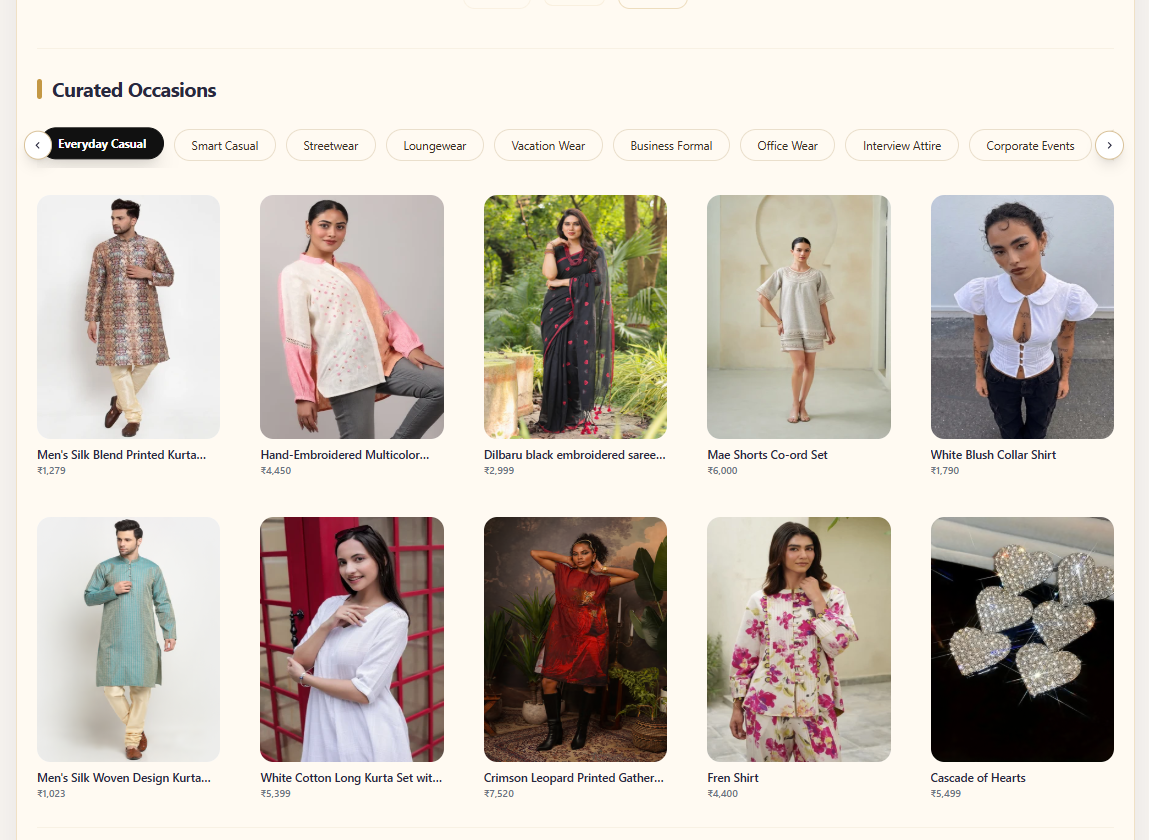
Curated Occasions
This section groups pieces by where you will wear them. Occasions include:
- Everyday Casual and Smart Casual, for daily wear and weekends
- Streetwear, for oversized tees, cargos and bold graphics
- Business Formal, for work
- Gym Fitness and Yoga, for workouts
- Indian Weddings and Destination Weddings, for the wedding season
Search with Trending Patterns
Want a particular print? Tap a pattern such as Floral, Striped, Geometric, Abstract or Polka Dot to see pieces in that print.
How Do I Turn One Piece Into a Complete Look?
Found a shirt or kurta you love on Explore? Maya, StyleBuddy's AI stylist, can build the rest of the outfit around it.
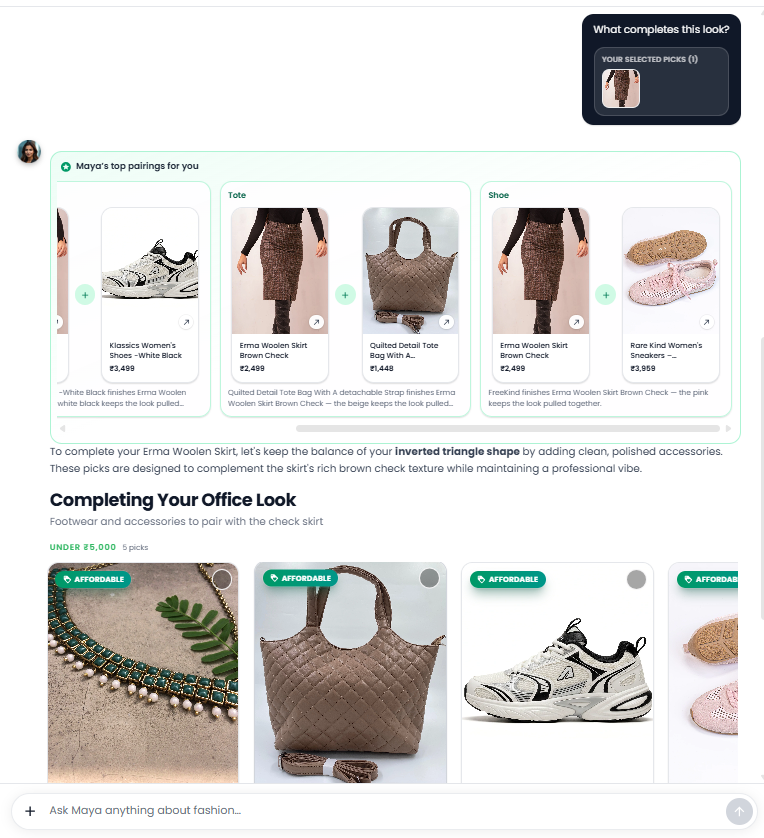
Option 1: Find the piece in Maya's chat
Open "Chat with Maya" and describe the piece, for example "Floral shirt for a weekend brunch" or "Streetwear look with cargos". When Maya shows products, tap the circle on the top-right of the one you like to select it, then ask:
- "What trousers go with this?"
- "Suggest shoes for this look"
- "What accessories would finish this outfit?"
Maya answers about the piece you selected, with products you can shop.
Option 2: Upload a photo
Take a screenshot of the piece, or a photo of something you already own. In Maya's chat, tap + > Upload photo, add it and ask, "What can I wear with this?" Maya looks at the photo and suggests pieces to complete the look.
Set your style preferences first
For better suggestions, tap + > Style preferences in the chat bar and set your gender, body type, skin tone and favourite colours. Under Chat preferences, choose Show me products so Maya replies with more products and less text.
How Do I Find Shoes and Accessories for the Look?
In Shop All (stylebuddy.in/shop-all), type "footwear" or a brand name into the search bar to see the brands available, then filter by price and colour. Accessories work the same way. Or simply ask Maya, as above.
How Do I Save and Buy the Look?
- Save it. Save the pieces you like and they go to Saved Items in the menu, so you can come back to the full look later.
- Try it on. In the StyleBuddy app for Android and iOS, you can choose looks and try them on yourself with virtual try-on before you buy.
- Buy it from the brand. StyleBuddy doesn't sell clothes itself. Tap any piece, from Explore, Maya's chat, Shop All or Shop by Brand, and StyleBuddy opens it on the brand's own website, where you choose your size and pay. If your look combines pieces from different brands, you check out with each brand separately.
Want a Stylist to Build the Look for You?
StyleBuddy's NIFT-certified human stylists can put together complete looks for you. A 45-minute trial session costs ₹2,000, and a two-hour Personal Styling Consultation costs ₹5,000. See StyleBuddy's styling services.
Frequently Asked Questions
Where can I find curated outfit ideas online in India?
StyleBuddy's Explore page at stylebuddy.in/explore shows Our Stylist Picks, Shop by Style, Curated Occasions such as Smart Casual, Streetwear and Business Formal, and trending patterns like floral or striped. Every piece comes from a fashion brand on StyleBuddy, and you buy it on that brand's website.
What are StyleBuddy's Stylist Picks?
StyleBuddy's Stylist Picks are pieces chosen by its stylists, shown on the Explore page under "Shop curated looks from trusted brands". You can page through them with the Prev and Next buttons, tap a piece to open it on the brand's site, or ask Maya what to pair with it.
How do I complete a look on StyleBuddy?
On StyleBuddy, ask the AI stylist Maya to complete the look. Select a product she has suggested by tapping the circle on its card, then ask what trousers, shoes or accessories go with it. You can also upload a photo of a piece and ask, "What can I wear with this?"
Can I shop by occasion on StyleBuddy?
Yes, StyleBuddy's Explore page has Curated Occasions, including Everyday Casual, Smart Casual, Streetwear, Business Formal, Gym Fitness, Yoga, Indian Weddings and Destination Weddings. Shop All also has Wedding Wear, Formal Wear, Casual Wear and Sports Wear buttons, plus filters for price, size, colour and brand.
Can I buy a whole look in one checkout on StyleBuddy?
No, StyleBuddy does not sell clothes itself, so there is no single checkout. Each piece opens on its brand's own website, where you choose your size and pay. If a look combines pieces from different brands, you check out with each brand separately. Saved Items helps you keep the look together.
Find Your Next Look on StyleBuddy
Browse the Explore page for stylist picks and occasions, then ask Maya to complete the look. To try it on yourself, get the StyleBuddy app.
Read next: How to Find an Outfit for Any Occasion on StyleBuddy · How to Find a Complete Outfit Under ₹2,000 on StyleBuddy